
NyquistAI MCP Server Guide
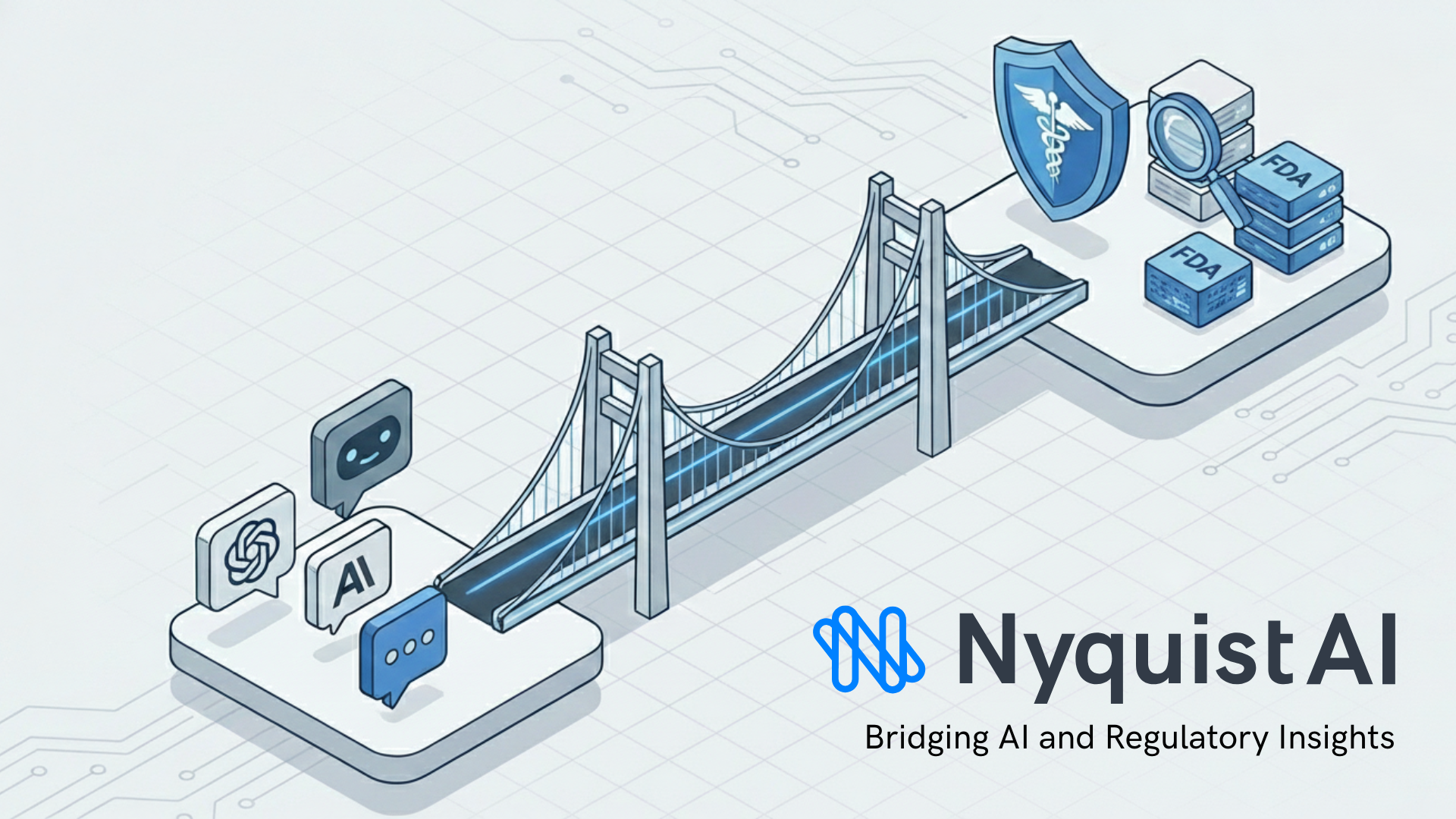
Connect ChatGPT, Claude, or custom MCP clients to live FDA medical device intelligence with citations.
Live FDA device intelligence
Approvals, clearances, recalls, adverse events, guidance, and clinical trials kept fresh for MCP clients.
Drop-in for MCP clients
Tested with ChatGPT and Claude; compatible with most custom MCP clients.
Security first
TLS 1.2+, OAuth 2.0, read-only access. Structured citations keep reviews auditable.
Tool catalog
Included MCP tools
Each tool returns citations so RA/QA and safety teams can trust the responses.
usfda_company_search
MCP toolFind applicant companies with FDA-approved devices; returns company identifiers for downstream queries.
usfda_device_search
MCP toolSearch FDA-cleared and approved devices with pagination plus indications, predicates, and sponsor details.
usfda_guidance_search
MCP toolSearch FDA guidance by title, topic, docket number, or PDF contents for the latest compliance signals.
usfda_maude_search
MCP toolSurface adverse events in MAUDE so safety teams can monitor incident trends and narratives.
usfda_recall_search
MCP toolTrack FDA device recalls with pagination, root causes, and recall classes for rapid impact checks.
global_trial_search
MCP toolSearch global clinical trials across titles, interventions, eligibility, outcomes, and more.
usfda_registration_search
MCP toolSearch FDA establishment registrations to verify facility status, registration numbers, and listed devices.
usfda_inspection_citation_search
MCP toolSearch FDA inspection citations (483s and EIRs) to surface compliance trends and observations by facility or product.
usfda_regulation_search
MCP toolSearch CFR Title 21 by part, subpart, section, and content to quickly locate applicable regulatory text.
usfda_warning_letter_search
MCP toolSearch FDA warning letters by company, product, or violation type to monitor enforcement actions and precedents.
Setup
Connect your MCP client
Use the remote MCP server URL below. Authentication flows through the NyquistAI login page.
ChatGPT
Quickstart- Open NyquistAI in ChatGPT.
- Connect your account — sign in or create a free NyquistAI account when prompted.
- Start chatting. ChatGPT will answer with live FDA intelligence.
Claude
Quickstart- Open NyquistAI in Claude.
- Connect your account — sign in or create a free NyquistAI account when prompted.
- Start chatting. Claude will answer with live FDA intelligence.
Data & Security
Built for regulated teams
Traffic is encrypted over HTTPS (TLS 1.2 or later) and uses OAuth 2.0 for authentication. The MCP server is read-only: it retrieves the latest medical device intelligence and does not mutate your environment.
Supported clients
ChatGPT, Claude, and most custom client.
Audit-ready answers
Structured citations accompany responses so reviews and filings stay traceable.
Troubleshooting
401 Unauthorized
If you just signed up, confirm your email verification. Then reconnect the MCP connector.
AI tools cannot fetch data
Double-check the connector configuration. Remove and re-add the connector with the URL above if needed.
Example prompts
Use cases teams are running today
Instant predicate device comparison
Identify the 5 most recently cleared 510(k)s for diabetes management. Create a table summarizing their indications for use and tech characteristics. Highlight any novel claims.
Real-time landscape mapping
Scan for all De Novo requests granted in the 'Diabetes Management' sector over the last 6 months. Summarize the primary clinical endpoints they met.
Proactive recall impact analysis
Find all Class I recalls issued in the last year related to 'pacemaker'. Summarize the stated root cause, and identify if a specific sub-component supplier was mentioned.